Your first sighting
Quick-add
- Tap the Add Sighting tab in the bottom bar
- Search for a species by name or browse by family. The full Southern Africa database works offline.
- Tap the species' ⊕ to log it
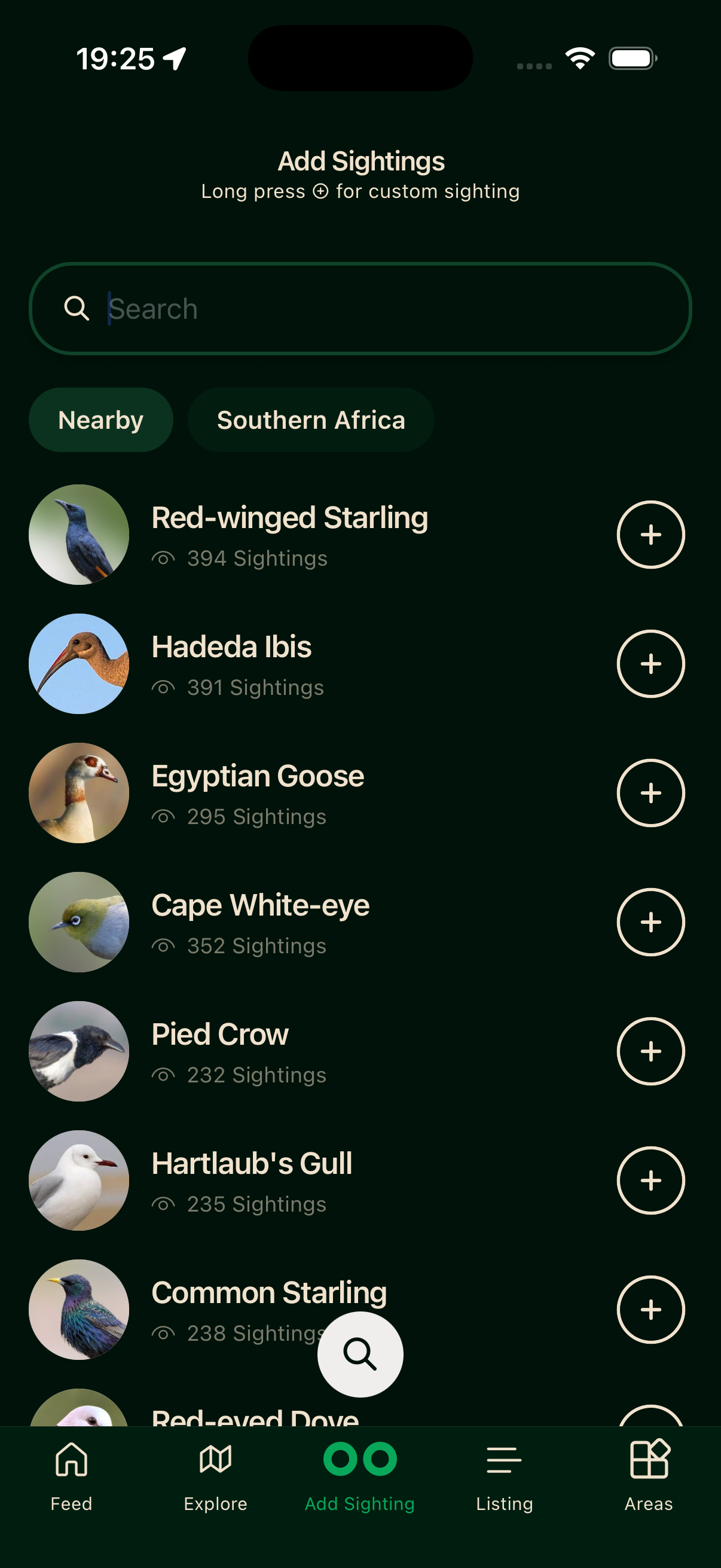
Bïndo grabs your GPS location and saves the sighting immediately. It needs a fix accurate to within 50 metres. If it cannot get a good enough fix, it opens the custom sighting screen so you can place the pin manually on a map.
The sighting is stored on your device straight away and syncs to the server in the background when you have a connection.
Log each bird where and when you actually saw it — those pins are public and shared by all birders. See Accurate sightings.
Custom sighting (retroactive or manual)
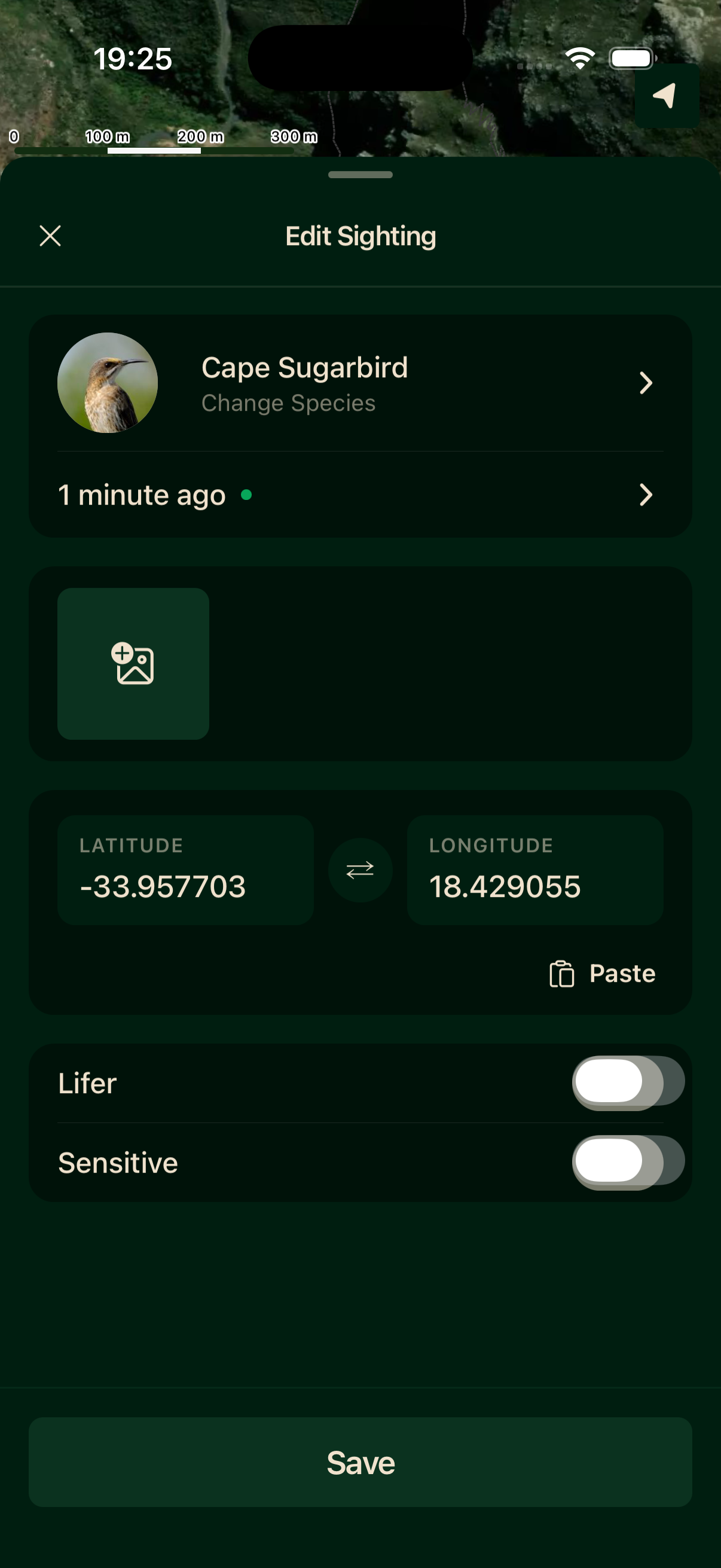
Long-press a species' ⊕ to open the full custom sighting form. Use it when you're logging a bird from earlier today or a previous day, your GPS signal is poor, or you want to place the pin precisely on the map.
On the custom screen you can pick any species, edit the date and time (it defaults to now), tap the map to drop the pin or paste coordinates, toggle lifer or sensitive flags, and attach up to ten photos.
After saving
The sighting appears in your life list immediately. If you have an active list open, it will be added to that trip as well.
Attach a photo
Add photos from the photo tile during entry, or open the sighting later to add them. Sightings with photos are more likely to appear in other birders' feeds.