Notifications
Bïndo keeps a running list of activity that involves you or your birding — likes, comments, new followers, and more.
These are in-app notifications: they appear inside Bïndo on the Notifications screen, opened from the bell icon at the top of the Feed, with an unread indicator on the bell. Bïndo shows them in the app rather than as push notifications on your device's lock screen.
What adds a notification
A notification is added for Likes (someone likes one of your sightings), Comments (someone comments on one), Follows (someone starts following you), Groups (group invites and group-related activity), and Unusual sightings (a notable bird is recorded that may be of interest to you).
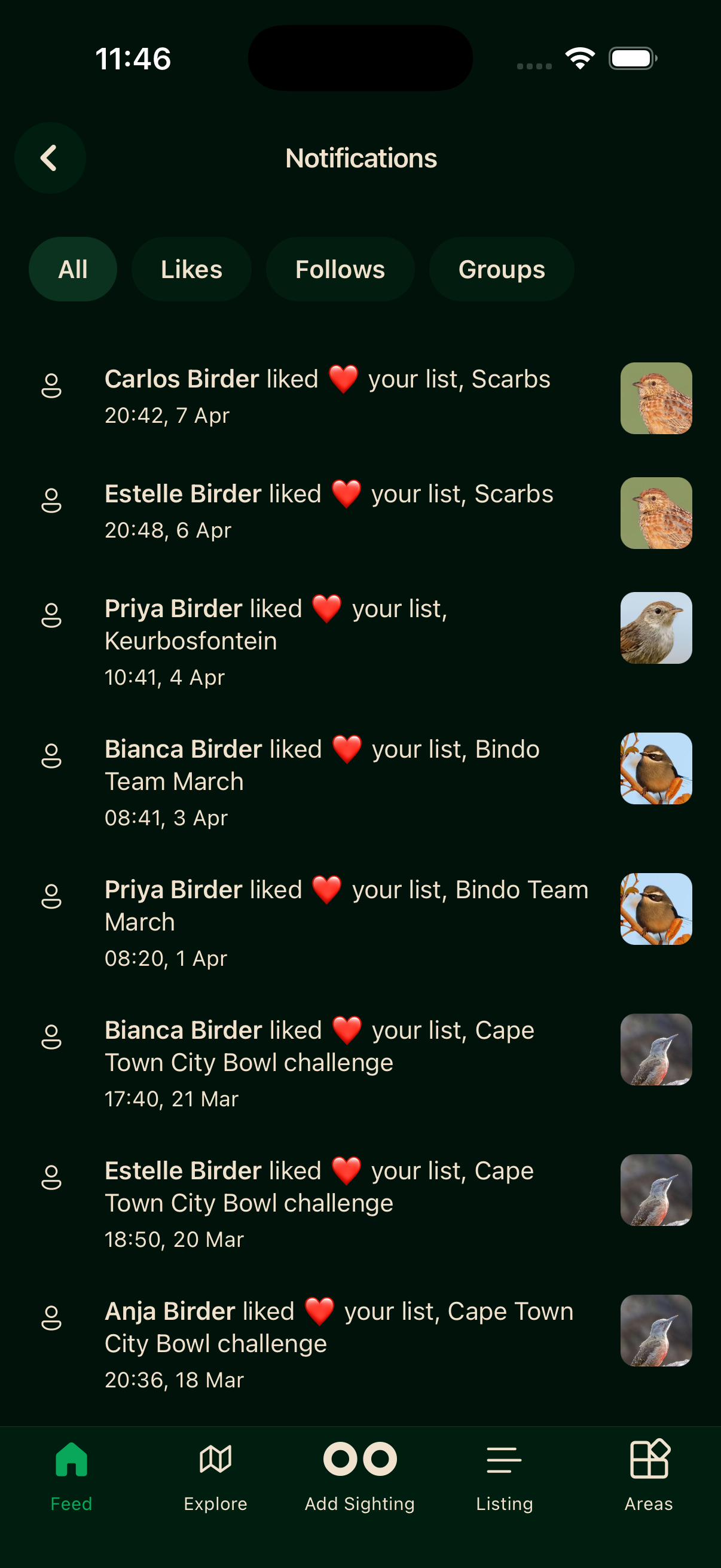
Filtering
The Notifications screen has filter pills at the top for All, Comments, Likes, Follows, Groups, and Unusual. Tap a pill to narrow the list to that category. Pills only appear for categories you actually have notifications in, so you may see fewer than the full set.
Reading notifications
Open the Notifications screen from the bell icon at the top of the Feed. Items are marked as seen automatically once they have been visible on screen for a few seconds — there is no manual mark-all-read action, and no per-type muting setting.