Profiles
Every Bïndo account has a profile. Yours shows your birding activity; others' profiles let you see what your fellow birders have been recording and choose who to follow.
Your profile
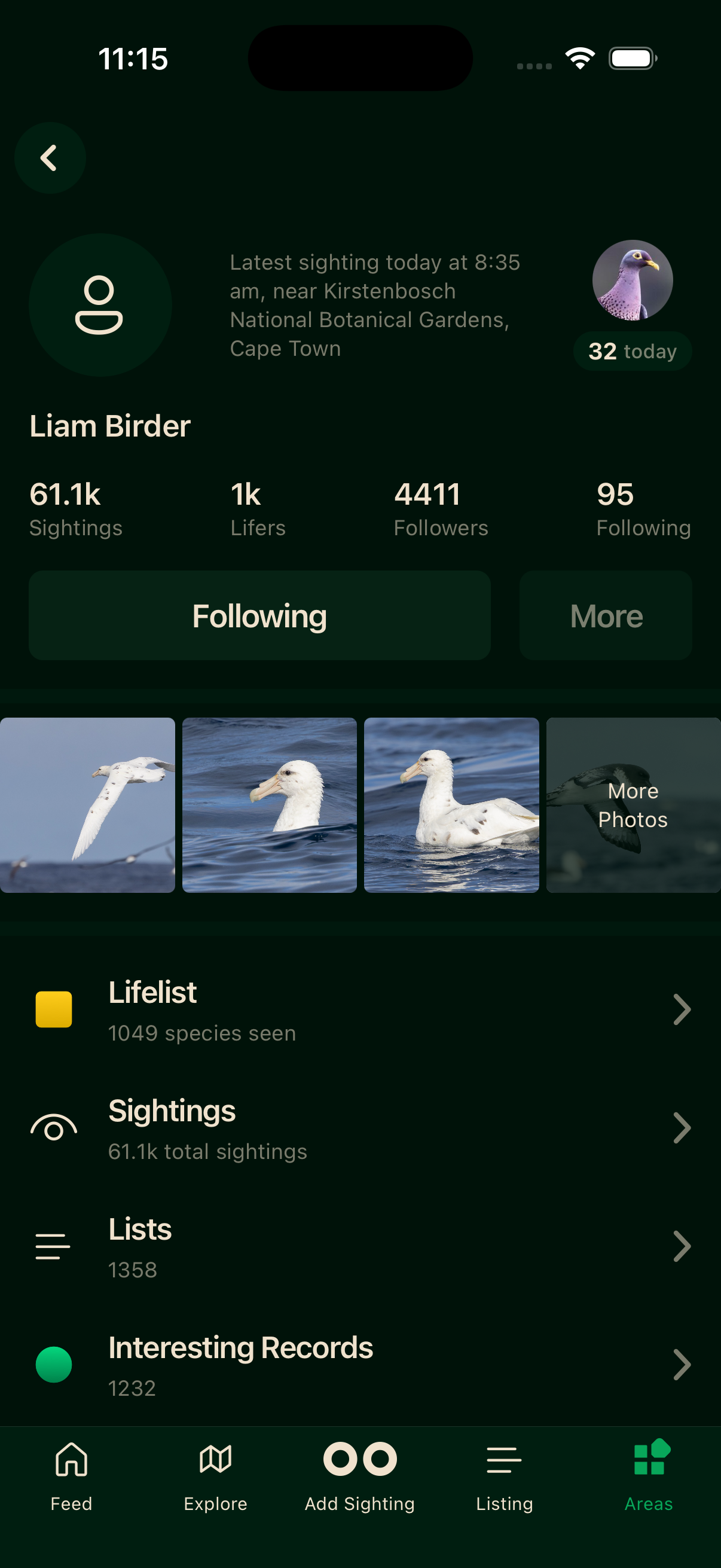
Your profile leads with four stats at the top.
Sightings
Every bird you have ever logged in Bïndo. A sighting is a single record of one species at one place and time.
Lifers
Distinct species on your life list. Each new species is added once, no matter how many times you see it again.
Followers
Birders who follow your activity.
Following
Birders you follow.
Tapping Sightings or Lifers opens the full list. Below the stats, your profile also shows your latest sighting with a link through to your full sightings history.
Active indicators
A status badge can appear on profiles. Active now means the person has logged something within the last hour; Today means they've logged a sighting today.
Viewing other profiles
Tap any birder's name or avatar in the Feed, in a leaderboard, or in search results to open their profile.
Following and followers
Tap Follow on a profile to start following. Their activity will appear in your Feed. Tap again to unfollow.
Blocking
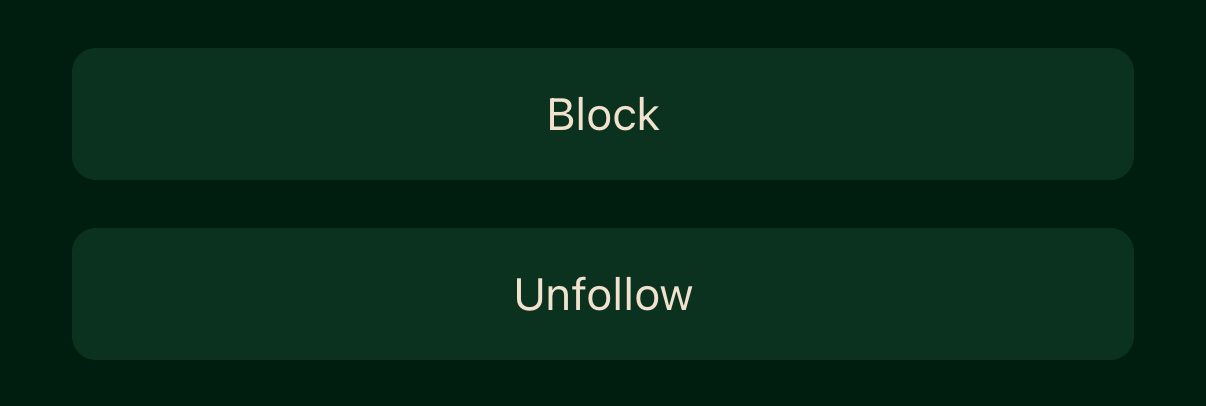
You can block a birder from their profile. Open the More menu and tap Block. A blocked person no longer appears in your feed or search results, and they cannot interact with your sightings.
Private profiles
When someone has set their profile to private, you cannot see their sightings or lists, and their follower and following counts are shown as a dash. They are still discoverable but their activity is hidden.
A profile can also be set to private by the team if its sightings look like they were logged in a batch rather than where and when each bird was seen. See Accurate sightings for what that means and how to resolve it.
Finding birders
Tap the people icon in the Feed header to find birders by name.