Your first sighting
Quick-add
- Tap the Add Sighting tab in the bottom bar
- Search for a species by name or browse by family. The full Southern Africa database works offline.
- Tap the species' ⊕ to log it
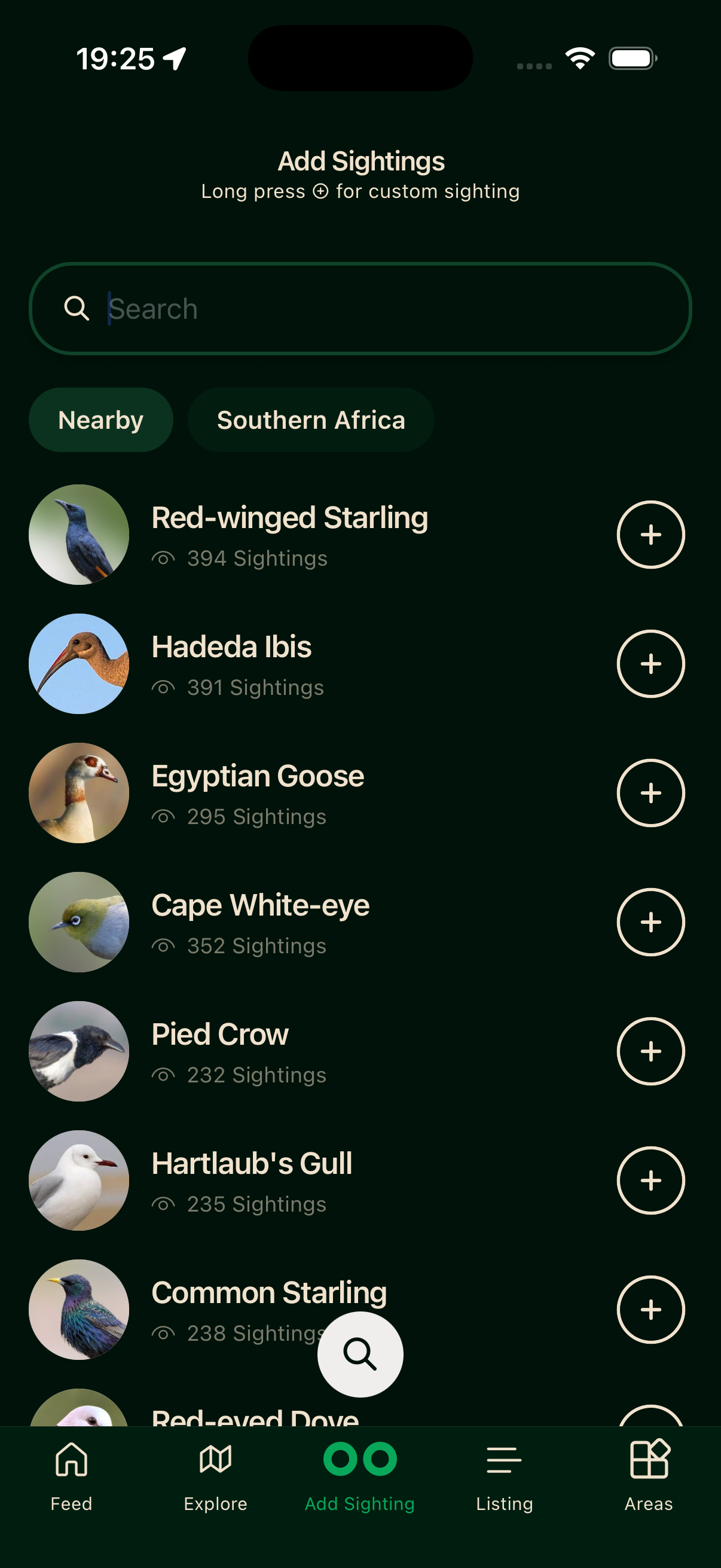
Bïndo stamps your GPS location on it and saves straight away. It needs a fix accurate to 50 metres or better; if it can't get one, it opens the custom sighting screen so you can place the pin yourself.
Sightings are saved on your device first, then sync in the background once you have signal.
Log each bird where and when you actually saw it — those pins are public and shared by all birders. See Accurate sightings.
Custom sighting (retroactive or manual)
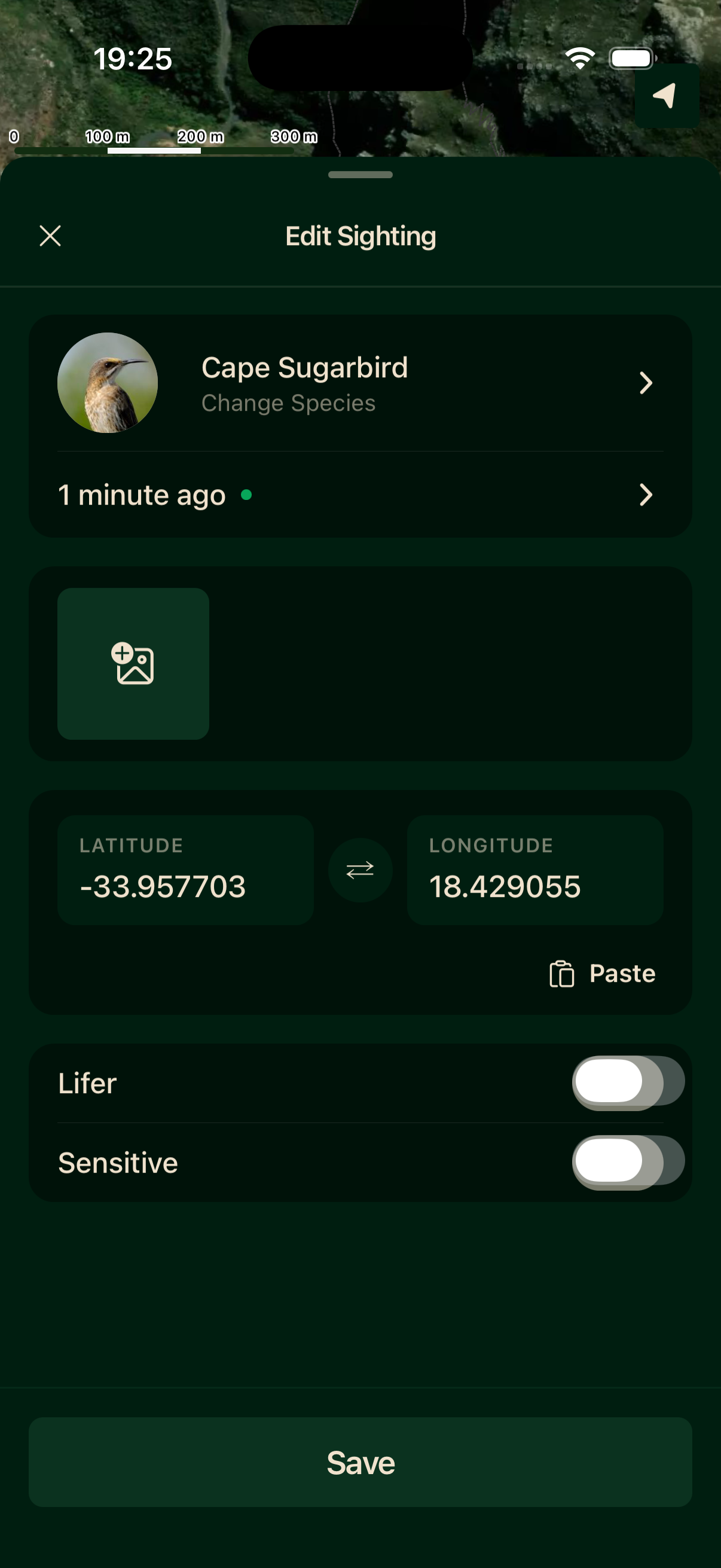
Long-press a species' ⊕ to open the full form. Use it when you're logging a bird from earlier, your GPS signal is poor, or you want to place the pin precisely.
On the custom screen you can pick any species, edit the date and time (it defaults to now), tap the map to drop the pin or paste coordinates, toggle lifer or sensitive flags, and attach up to ten photos.
After saving
The sighting appears in your life list immediately. If you have a list open, it joins that trip too.
Attach a photo
Add photos from the photo tile as you log, or open the sighting later to add them. Sightings with photos are more likely to appear in other birders' feeds.