Notifications
Bïndo keeps a running list of activity that involves you or your birding — likes, comments, new followers, and more.
These are in-app notifications. They live on the Notifications screen, opened from the bell icon at the top of the Feed, which shows an unread indicator. Bïndo doesn't send them as push notifications to your lock screen.
What adds a notification
You'll get one for Likes (someone likes a sighting of yours), Comments (someone comments on one), Follows (someone starts following you), Groups (invites and other group activity), and Unusual sightings (a notable bird that may interest you).
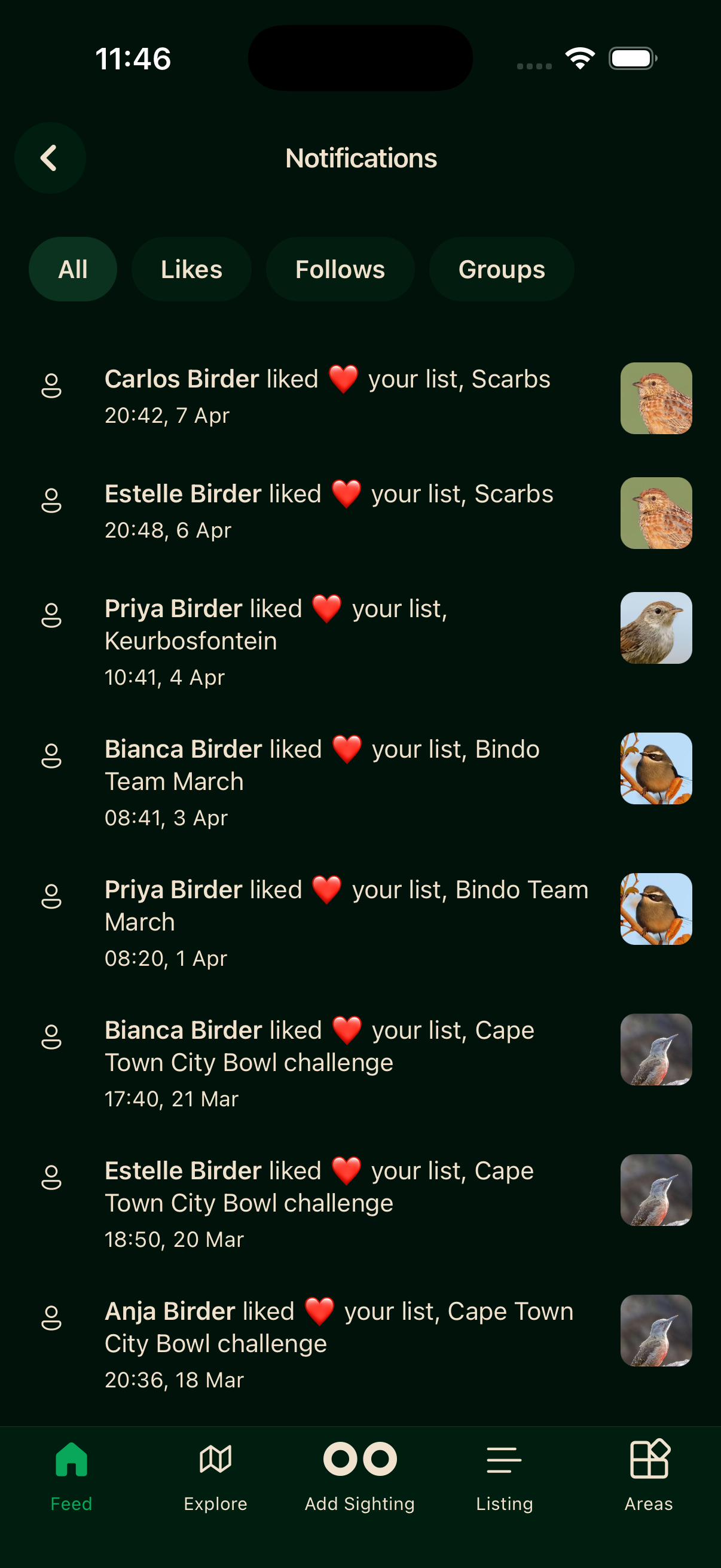
Filtering
Filter pills at the top cover All, Comments, Likes, Follows, Groups, and Unusual. Tap one to narrow the list. Only categories you actually have notifications in get a pill, so you may see fewer than the full set.
Reading notifications
Items mark themselves as seen once they've been on screen for a few seconds. There's no mark-all-read button, and no way to mute a particular type.